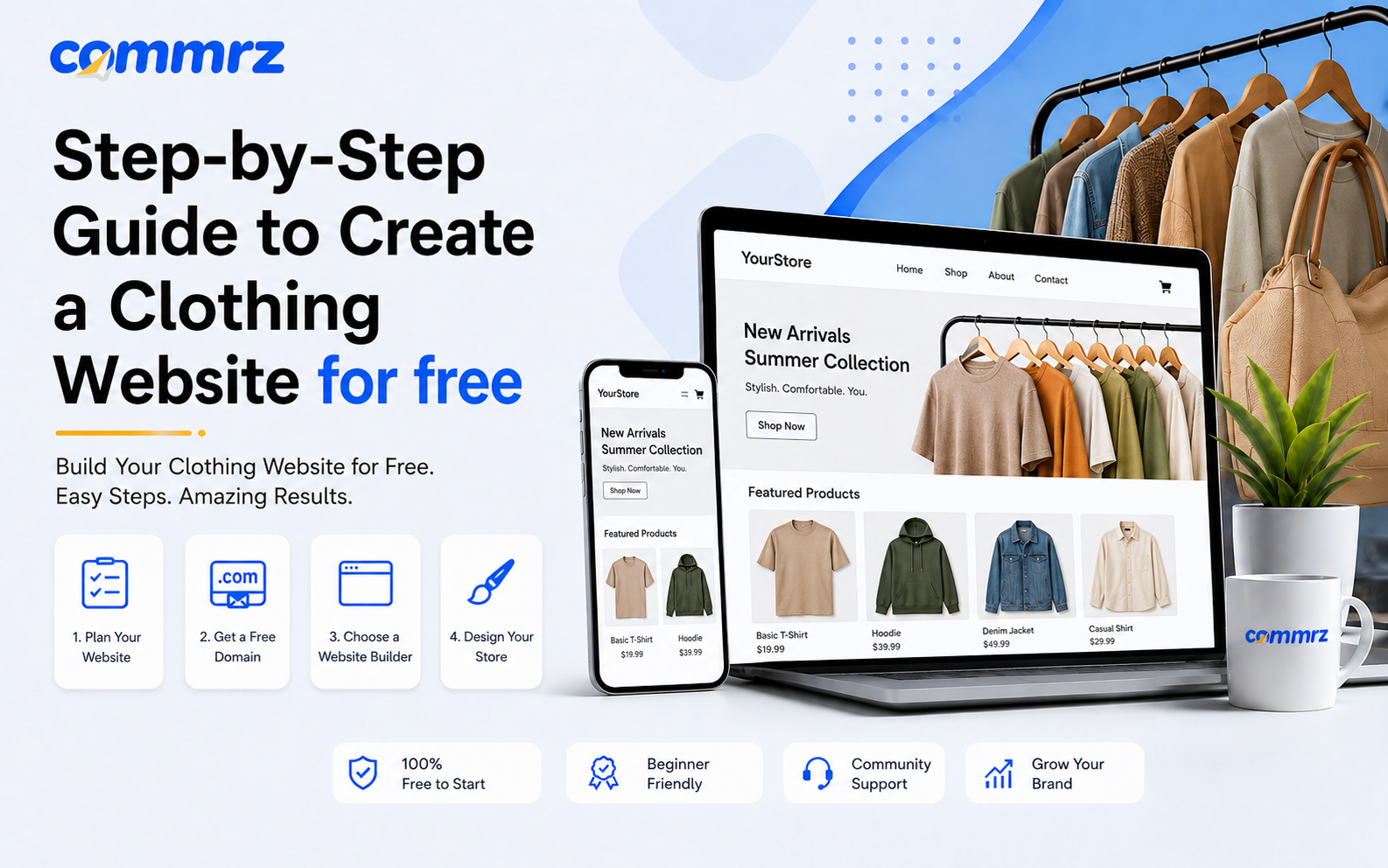
Starting an online fashion business has become easier than ever. With platforms like Commrz, you can now create clothing website without coding, without technical skills, and even without heavy investment.
If you are planning to launch a fashion brand or grow your online clothing business, this guide will help you build a complete store step by step using Commrz.
Why Choose Commrz for Your Clothing Website?
Commrz is a modern ecommerce platform designed for fast-growing brands. It helps you build a professional Fashion Ecommerce Website in minutes with ready-made tools for selling, marketing, and managing your store.
You don’t need developers or designers—everything is drag-and-drop and fully optimized for mobile shoppers.
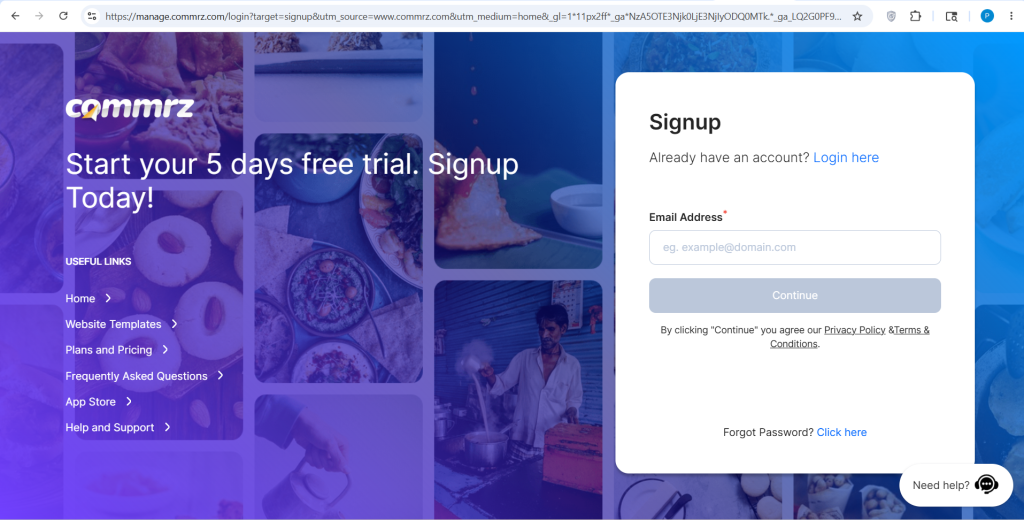
Step 1: Sign Up on Commrz
To start your journey, create your account on Commrz and log in to your dashboard.
Once inside, you can access:
- Store builder
- Product management
- Design templates
- Payment setup
This is the first step to build your online clothing store website.
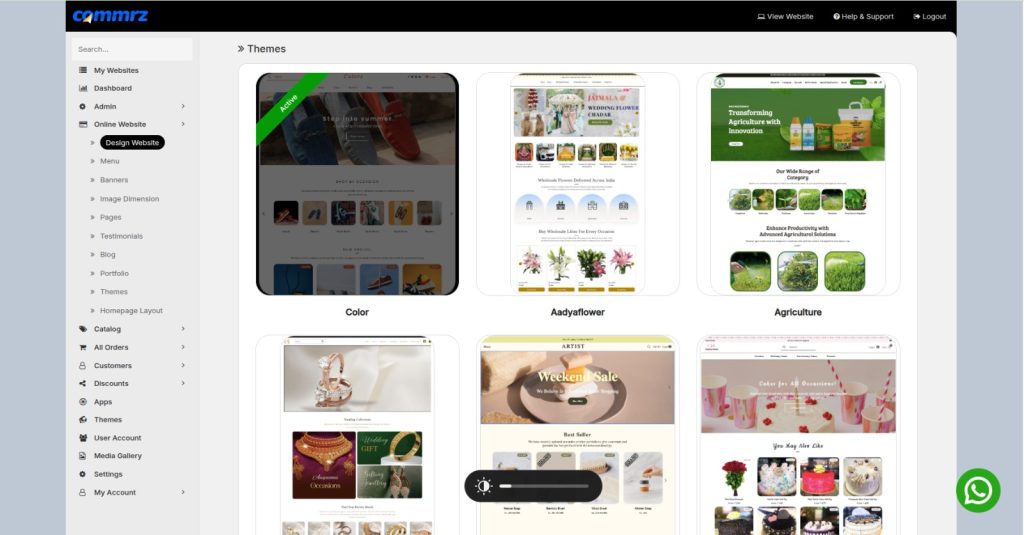
Step 2: Choose a Clothing Store Thmes
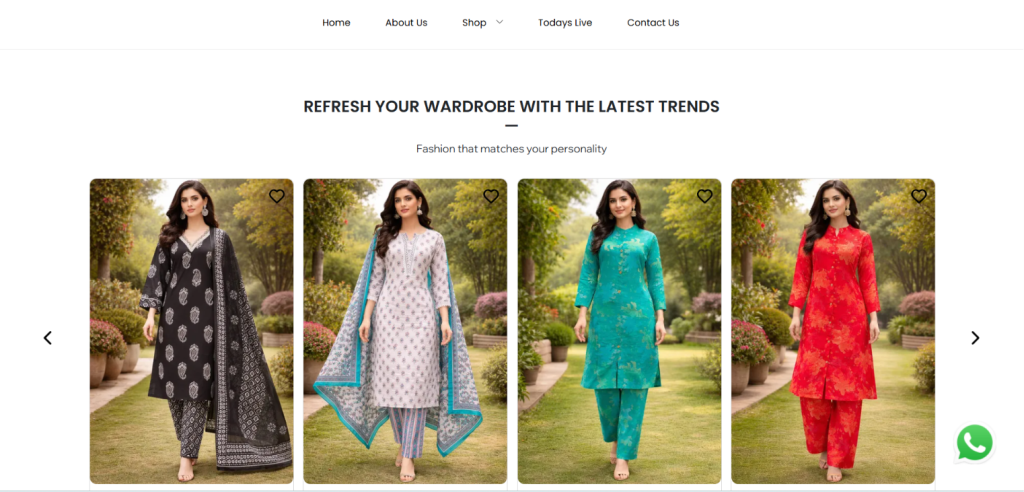
Commrz offers pre-designed fashion layouts that help you launch quickly.
Pick a Themes that matches your brand style:
- Streetwear
- Luxury fashion
- Casual clothing
- Ethnic wear
These Themes are optimized for conversion and mobile users.
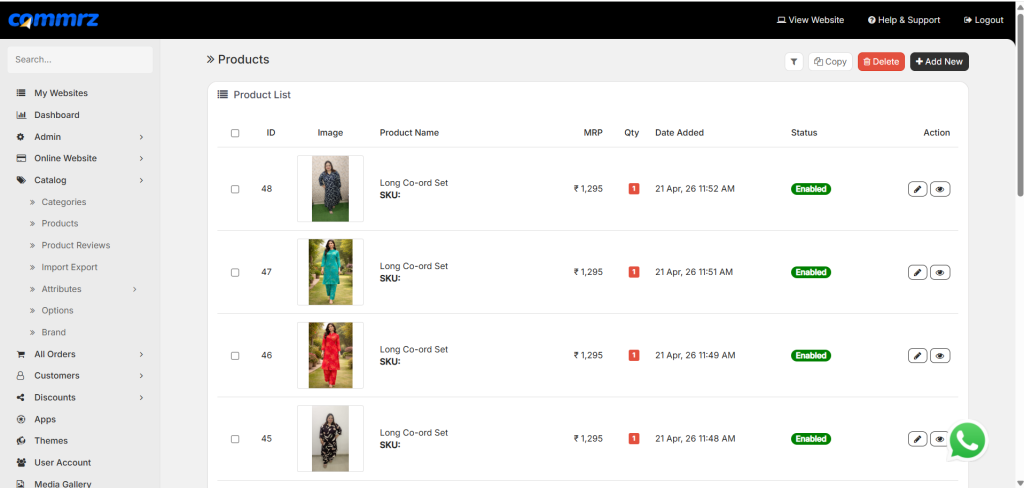
Step 3: Add Your Products
Now upload your clothing items:
- Product name
- Price
- Size options
- Description
- High-quality images
A strong product setup helps your store look professional and trustworthy.
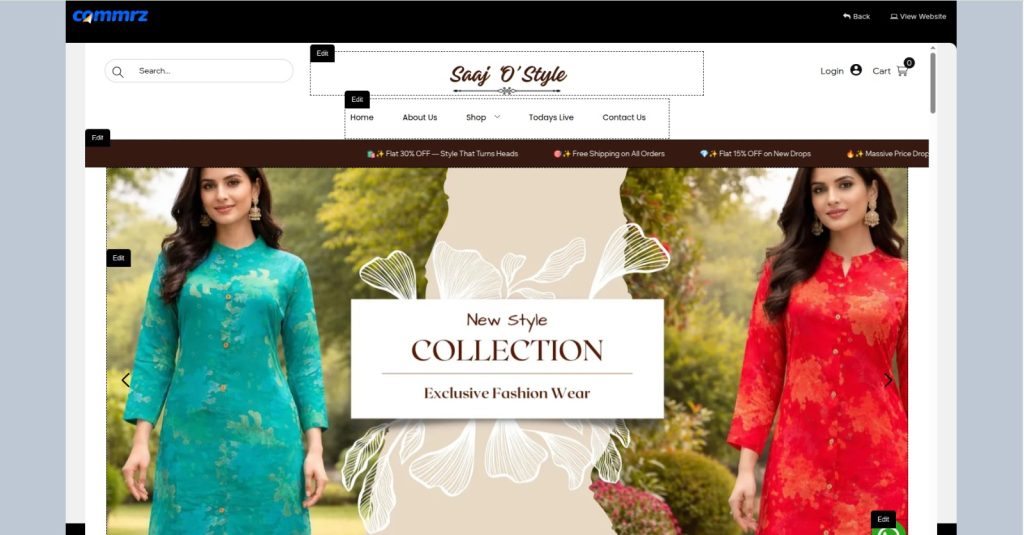
Step 4: Customize Your Store Design
Make your website unique with Commrz customization tools:
- Upload logo
- Set brand colors
- Edit homepage sections
- Add banners and offers
A clean design improves your Clothing Website Builder experience and increases sales.
Step 5: Set Up Payments & Delivery
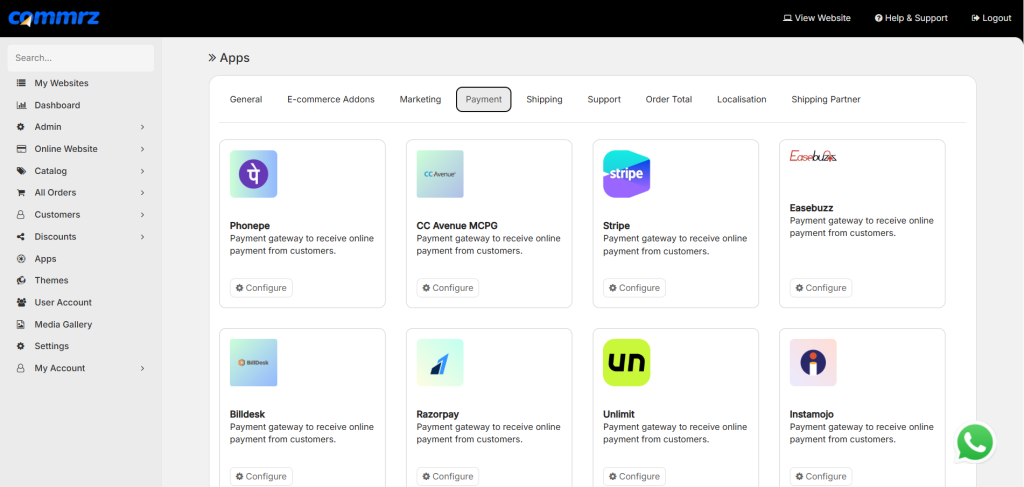
Commrz supports multiple payment methods to make checkout easy:
- UPI payments
- Debit/Credit cards
- Wallets
- Cash on Delivery (COD)
You can also integrate delivery partners for smooth order fulfillment.
Step 6: Optimize Your Website for Sales
To grow your store faster:
- Use high-quality product images
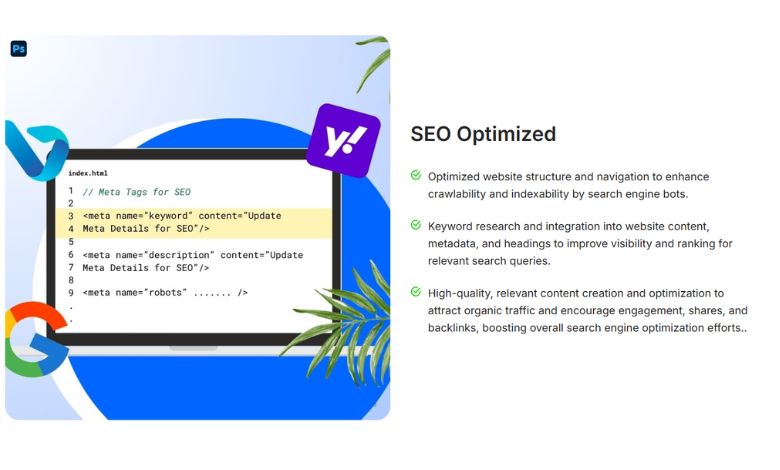
- Write SEO-friendly descriptions
- Add discounts and offers
- Enable fast checkout
This helps you compete with top Shopify Alternative in India platforms.
Step 7: Launch Your Clothing Website
Before going live:
- Test all pages
- Check mobile responsiveness
- Test checkout process
Once everything is ready, publish your store and start selling immediately.
Step 8: Promote Your Fashion Brand
After launching your Fashion Ecommerce Website, focus on marketing:
- Instagram reels and ads
- Influencer marketing
- WhatsApp marketing
- SEO blog content
Traffic + good design = sales.
Step 9: Scale Your Clothing Business
As your brand grows:
- Add new collections
- Automate orders
- Track customer behavior
- Improve branding
Commrz makes scaling simple for beginners and professionals.
Step 10: Why Businesses Prefer Commrz
Many new brands prefer Commrz over traditional development because:
- No coding required
- Faster launch time
- Mobile-friendly design
- Built for fashion brands
That’s why it is becoming a strong alternative to a Clothing Website Development Company in Delhi.
Instead of spending lakhs on development, you can launch your store in minutes.
Conclusion
If you are serious about building a fashion brand, Commrz gives you everything you need to create clothing website quickly and professionally.
From design to payments to marketing, everything is simplified so you can focus on growth.
FAQs Create clothing website
Q1. What is Commrz used for?
Commrz is a platform that helps you build and manage your online store, especially for fashion and D2C brands.
Q2. Can I create a clothing website without coding on Commrz?
Yes, Commrz allows you to build a complete store without any coding knowledge.
Q3. Is Commrz good for beginners?
Yes, it is designed for beginners who want to start an online business quickly.
Q4. Can I sell fashion products on Commrz?
Absolutely. It is optimized for clothing and fashion ecommerce businesses.
Q5. Do I need a developer for Commrz?
No, everything is drag-and-drop, so you don’t need any developer or agency.